If you sell with HubSpot, at some point you have assumed one of two things: that your team's email gets logged on its own, or that almost nothing gets logged without installing extensions. The first is nearly right. The second is wrong, and we took it for true for a while.
Here is what HubSpot's documentation says, what we measured, and why those two do not contradict each other.
What ships switched on
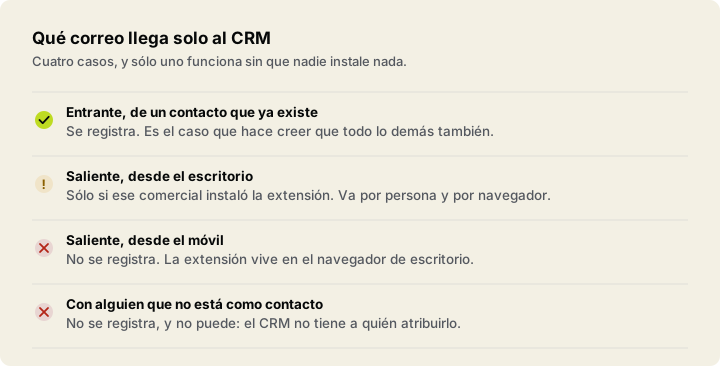
In their article on contact email logging rules, updated on 3 August 2026, HubSpot states that "Log all emails (from known contacts)" is the default logging option for all accounts.
That option logs email "sent from outside of the CRM (e.g., an email client or mobile app) to existing contact records". Not just incoming. Not just from a desktop. Also what a rep sends from their phone.
What it does not log, stated just as plainly, is email sent outside HubSpot to recipients who are not contacts.
The condition everybody skips
That behaviour is tied to one thing: the rep having their individual work email connected to HubSpot.
It is not the connection made when the account is created, nor the team email one. It is one per person, under Settings → General → Email → Connected email. If a rep has not done it, their mail does not arrive by this route.
And there is the part that matters to a head of sales: this is not a company checkbox, it is a checkbox held by each person. Two out of seven without it is enough to leave your logging with two person-shaped holes, and the screen does not show you which ones.
What we measured, and why it came out the way it did
In September 2026 we ran the test on a freshly created free portal, signed up with a Google account.
Two things happened. First: HubSpot imported sixteen contacts from the mailbox on its own and created the associated companies. Of those sixteen, six were real people; the rest were newsletters and automated senders, one of them HubSpot's own.
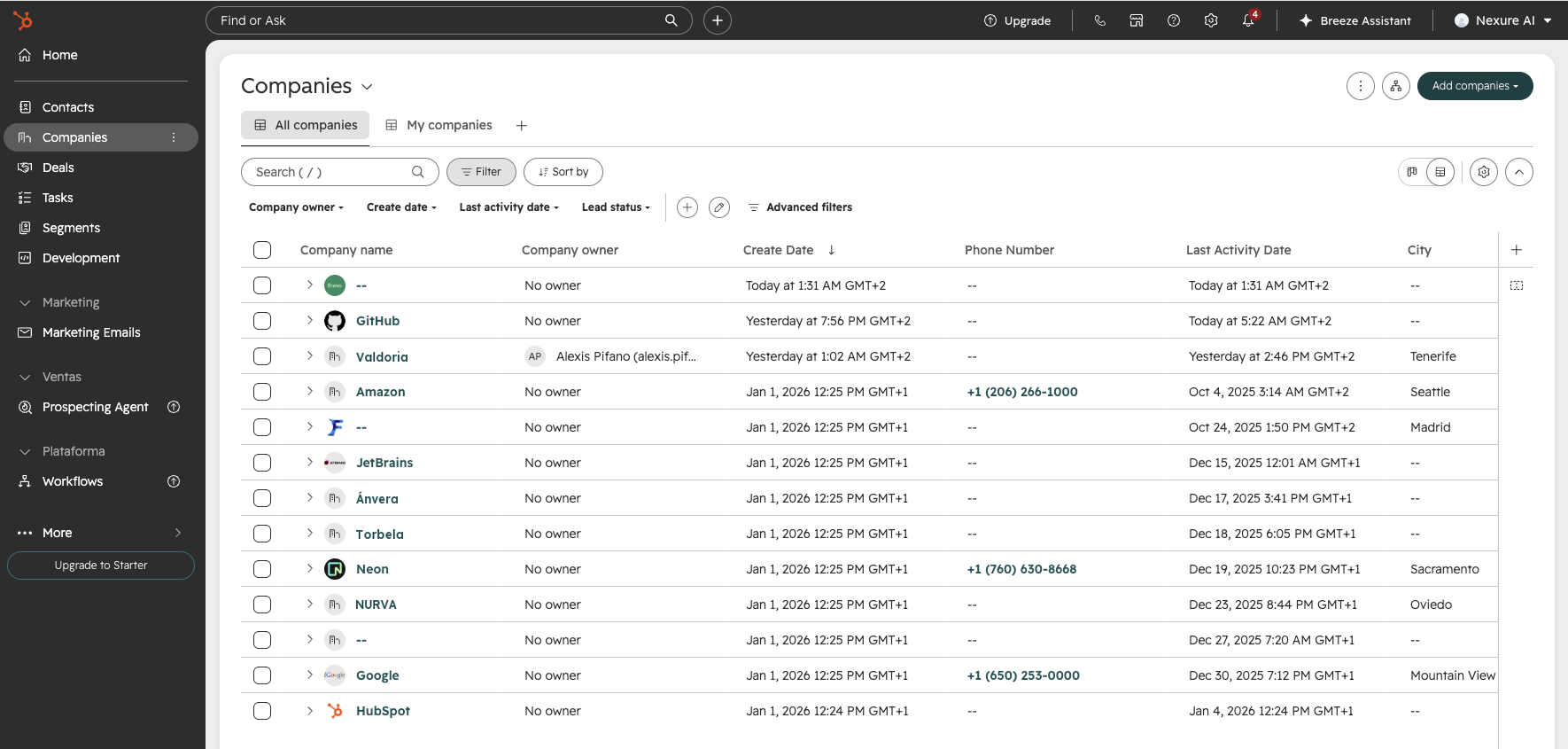
Second: we sent a real email from another domain to the connected mailbox, with the contact already created and that exact address on it. The record still said there was no email, and offered a button to log it by hand.
For a while we wrote here that this proved the leak was "one hundred per cent out of the box". That was the wrong conclusion, and it deserves saying in the same letters the other thing was said in. What that portal had was not the out-of-the-box configuration of a company that sells: it was an account signed up with Google and with no individual work email connected, which is exactly the condition everything above depends on.
The measurement was real. The conclusion we drew from it was not.
So what still stands?
One thing, and it depends on no configuration at all: a CRM cannot log activity against records that do not exist.
The company your team has been exchanging email with for three months that nobody ever created appears in no report, no filter and no alert. Not because something is misconfigured: because there is nothing to attribute it to. It is not a HubSpot flaw, it is what being a CRM means.
That is the part that activating nothing will fix.
Why it matters to your numbers
"Last activity 40 days ago" means "nobody logged anything about this contact for 40 days". With email properly connected that sentence gets very close to "nobody has spoken to them for 40 days", which is what you want it to mean.
But one case remains that no configuration touches, and it is the one that wrecks a forecast: the deal with recent activity, an up-to-date record, and everything moving in it being moved by your own team. The client has not replied in six weeks and the record looks healthy because you keep writing. Seeing it means separating what came in from what went out, and a CRM only holds what somebody wrote into it.
How to check your own case, in five minutes
You do not have to take any of the above on trust.
- Go to Settings → General → Email → Connected email and count how many of your reps have it set. That number is the ceiling on what your CRM can log.
- Take a contact that exists and that somebody has exchanged email with this week. Open the record and count the emails there against the ones in the mailbox.
- And the one no filter will give you: think of the last three companies you had a serious conversation with. Search for them in the CRM. If one is missing, that is the part we are talking about.
The first two you can fix yourself this week, for free. The third does not get fixed by configuring anything.
What can be done about the third
It takes reading the mailbox outside the CRM and crossing it against what the CRM knows. That is what CERUNA does: it reads the headers of your team's email, never the body, compares them with what is on record, and names the difference. Including the companies with no record at all, which by construction no CRM can list.
If you want your own company's number rather than an estimate, that is the Revenue Blind Spot Audit: €750, report in 72 hours, refunded if it does not find three things you did not know.
A note about this article
This text said the opposite until 14 September 2026: that outgoing email needed an extension per person and per browser, and that anything sent from a phone was never logged. We corrected it after reading HubSpot's documentation carefully.
We are leaving that on the record rather than rewriting it quietly, for the same reason the product names sequences and never causes: if we are going to ask you to believe what we measure, you have to be able to see what we do when we get it wrong.